CatalogLeaf turns product photos into a : catalogs, flyers, price lists, brochures, lookbooks, flipbooks and slide books
A free maker for businesses. Owners drop in product photos and get a catalog, flyer, price list or brochure laid out for them, then share it as a link that people can read, tap and buy from, or print it as a PDF. We designed, built and run it.
- Our role
- Product design and engineering
- Built as
- A Jasbhi-owned product
Jewellery StudioThe Gold Edit
One page at a time on a phone
A two-page spread is small on a phone screen, so a link can open as a swipe view instead: one page at a time, swiped sideways, with dots under it like a post with several photos.
The pages sit in a row that snaps as it scrolls, so swiping uses the phone's own scrolling and stays light on low-cost phones. Pages load as the reader gets close to them. With a mouse, a slide keeps the speed it was let go at and eases to a stop on the page.


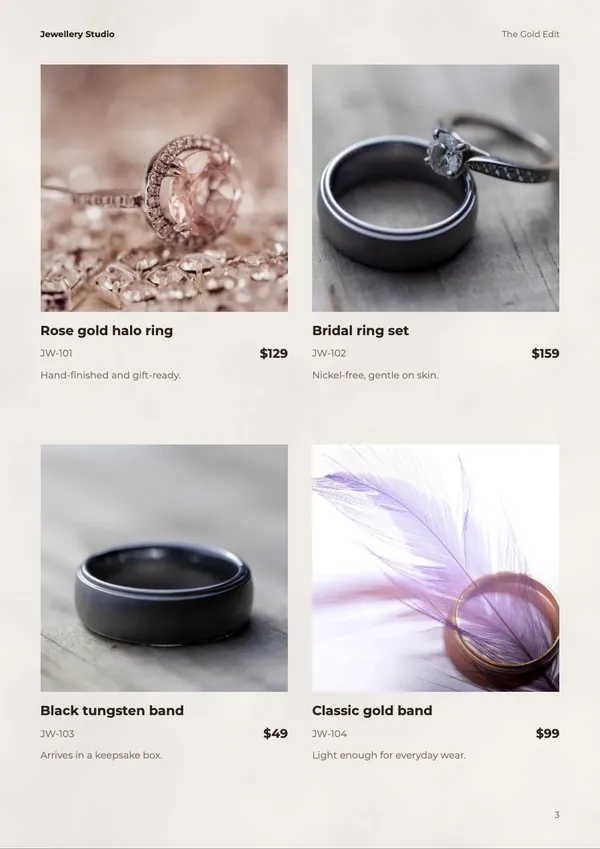
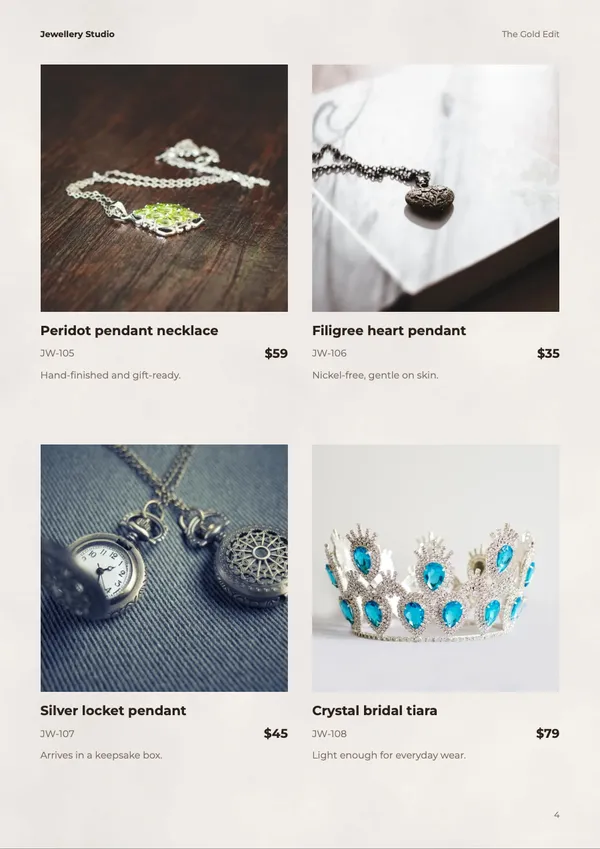
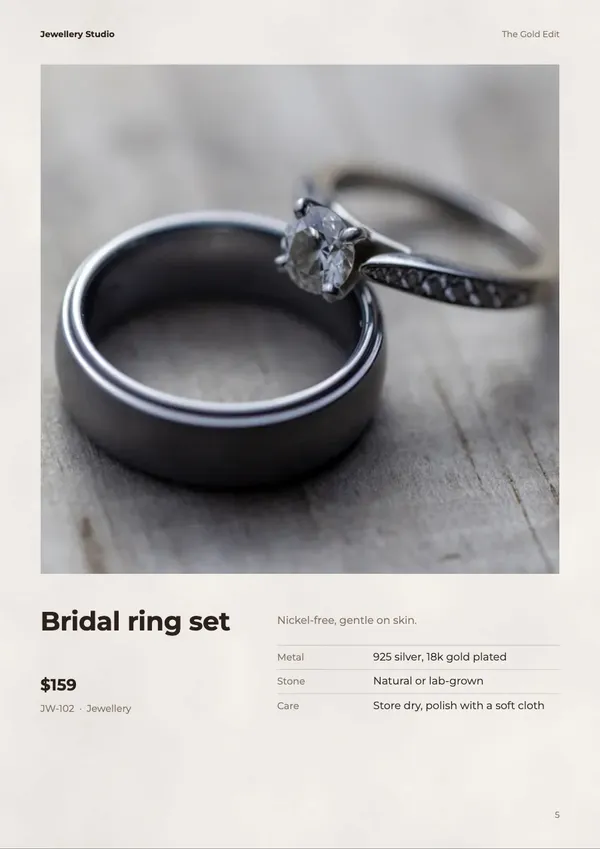
Phones: SwipeComputers: Flipbook
The owner chooses how a link opens
See who reads the catalog, and what they tap
Each link counts who reads it, whichever view it opens in.
- 1
Add buttons
Buy now, Order on WhatsApp, Follow us or the owner's own link, on any page. Even on a PDF they upload.
- 2
Share the link
On WhatsApp, by email, on social media, or embedded on the business's website.
- 3
Open the stats
The chart under each catalog shows who opened it and what they tapped.


Which buttons they tap
Every tap on a Buy now button or the owner's own links is counted, per product.
How far they read
How many people reach each page, and the page where they stop.
Example numbers.
Everything else the owner sees
Readers don't sign in, and nothing is stored on their device. Location and browser are worked out on the server from the connection, and nothing a reader types is sent.
Learn more- Where readers come from
- Search, social media, WhatsApp, AI assistants or a website showing the flipbook, plus the link's campaign tags.
- Who reads it
- Their country and city, device, browser and system, and whether they come back.
- How they read
- How far each person got, the time on each page and the page they left on.
- What they do
- Taps on each product's buttons and links, plus videos played and PDF downloads.
Background music on a shared link
A link can play music while people turn the pages. It starts with the book and loops without a hard cut.
- A track or their own song
- Owners pick one of CatalogLeaf's tracks by mood, or upload an MP3. A song over 4 MB is shrunk in the owner's browser (with WebCodecs) to a 160 kbps M4A of up to 3 minutes.
- Quiet during videos and other tabs
- The music goes quiet while one of the owner's videos plays, and pauses when the reader switches tabs.
What a reader hears
Tap for sound. If the browser blocks sound, a button asks for a tap, and any tap on the book starts the music.
The last page. It plays 4 more seconds, then fades out over 3.
Turning back. The music fades in again.
Next: an AI catalog maker
Ask Leaf is the next part of CatalogLeaf: a team of AI agents that builds a catalog from an owner's product photos. In the planned design, one agent places the photos, one writes names and prices, one lays out the pages and one picks the colours. To change anything, the owner asks in the chat.
Join the waitlist- 1Add your photosProduct photos from your phone
- 2Agents build it togetherCover, layout, text and colours at once
- 3Ask for changes in the chatLike “Make page 3 yellow”






See CatalogLeaf for yourself
Free to use, with no account needed to make a catalog.
Start with a conversation
Tell us what you're building, or where you think AI could help. You'll talk with an engineer, and we reply within 12 hours.